Your home, recreated from its floor plan.
Bring the floor plan from your listing, and photos if you have them. We rebuild your actual home at real size, then you furnish it any way you like.
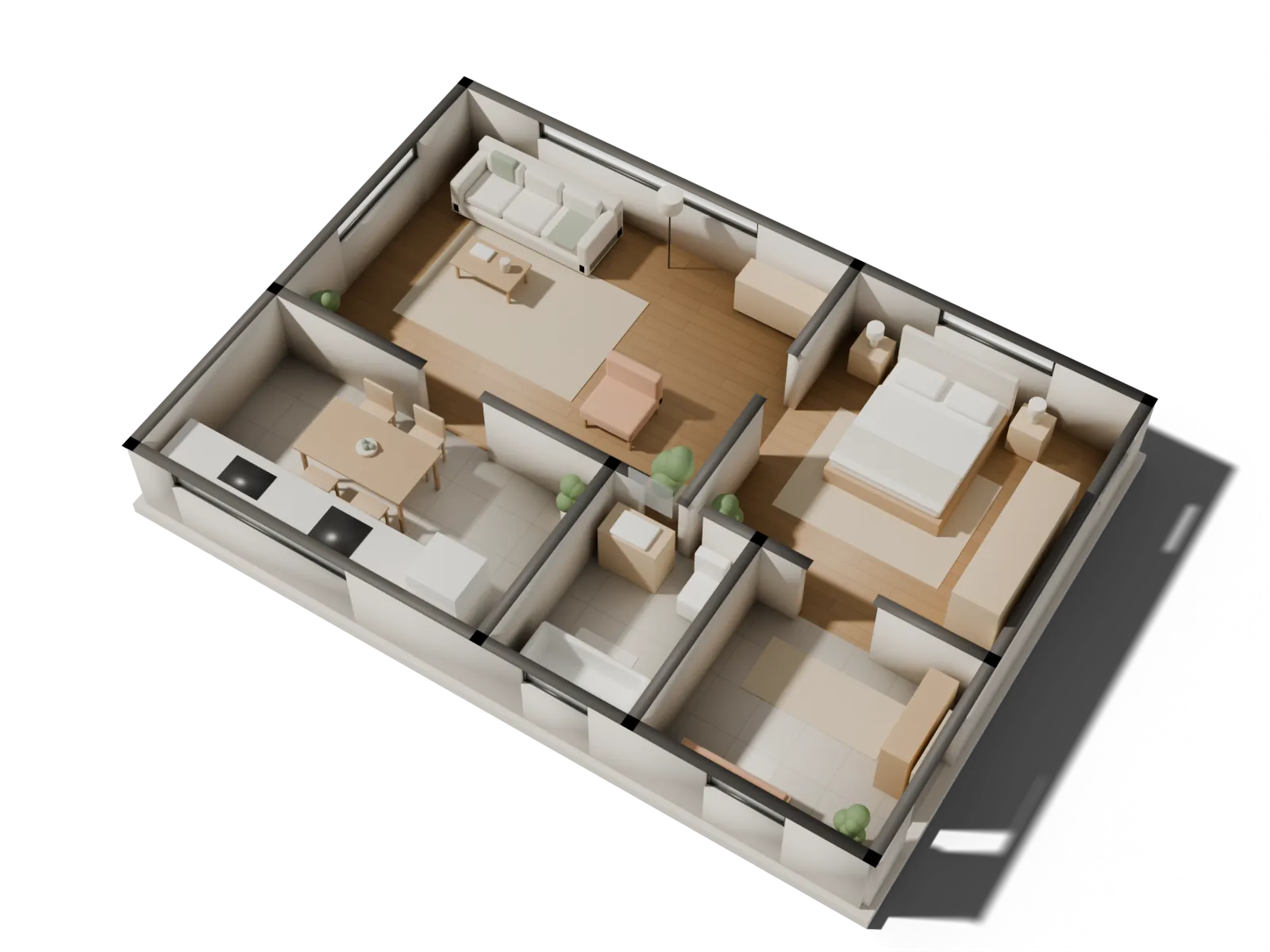
Drag to turn · tap furniture for its size
You bring a plan. You get a home.
Floor plan to 3D, then to a home you can see from every side: one listing plan in, every room furnished your way out.
You bring
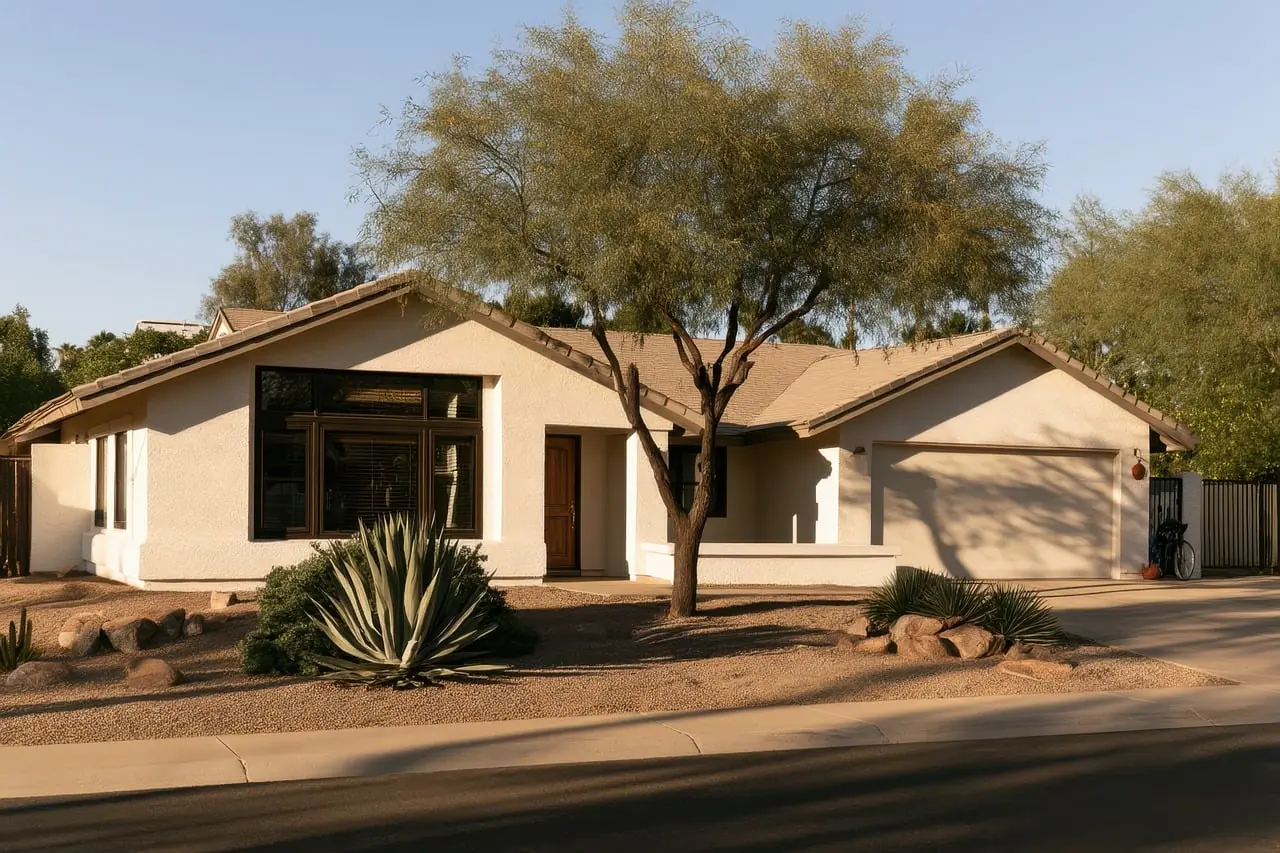
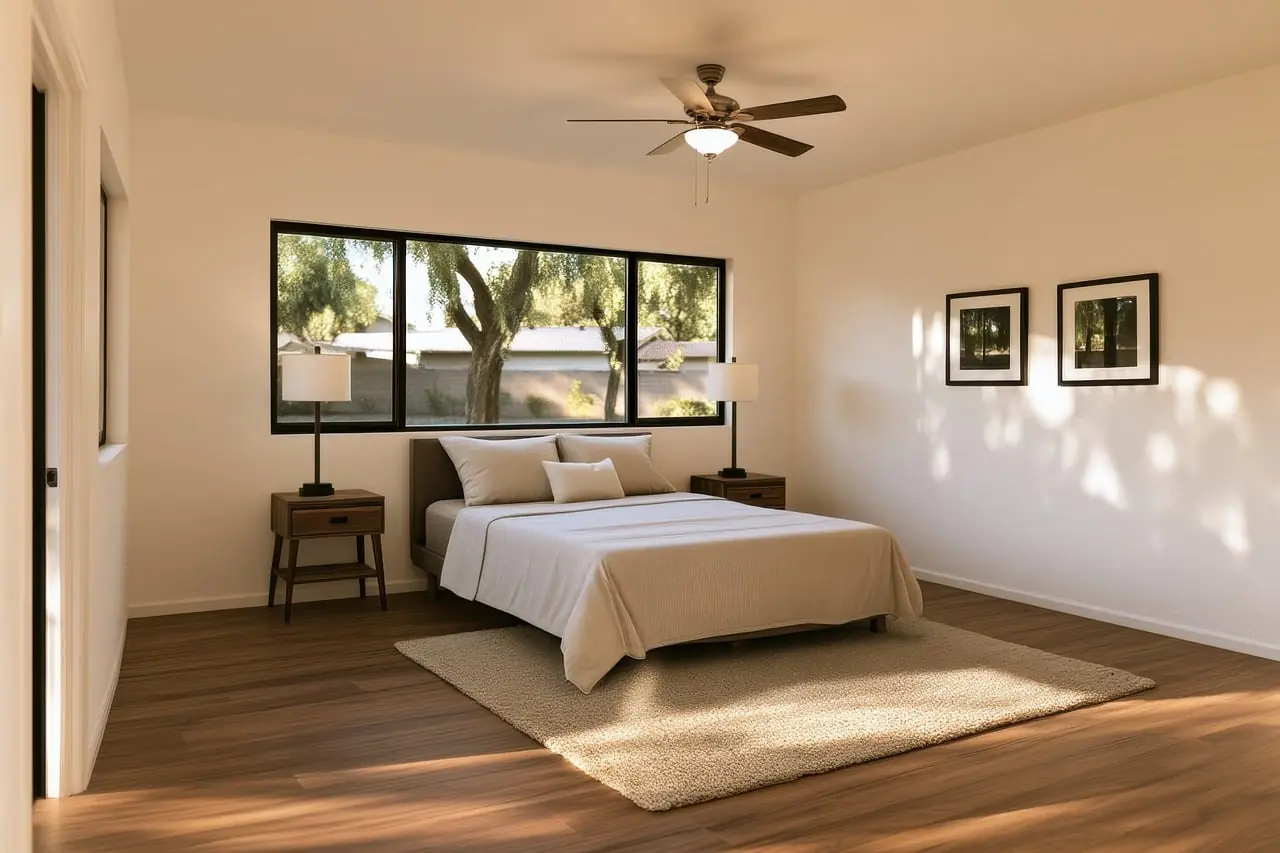
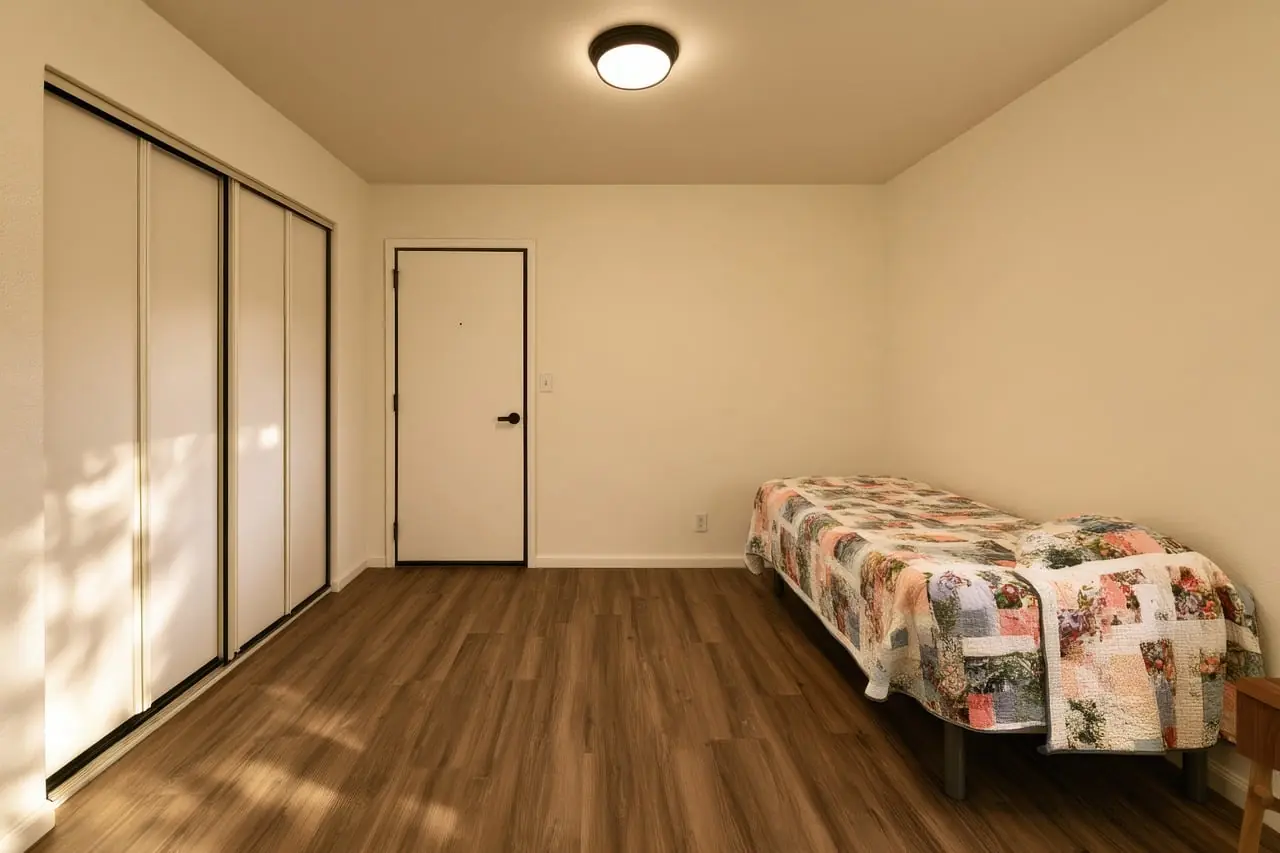
The floor plan from your listing, and its photos if you have them.
You get
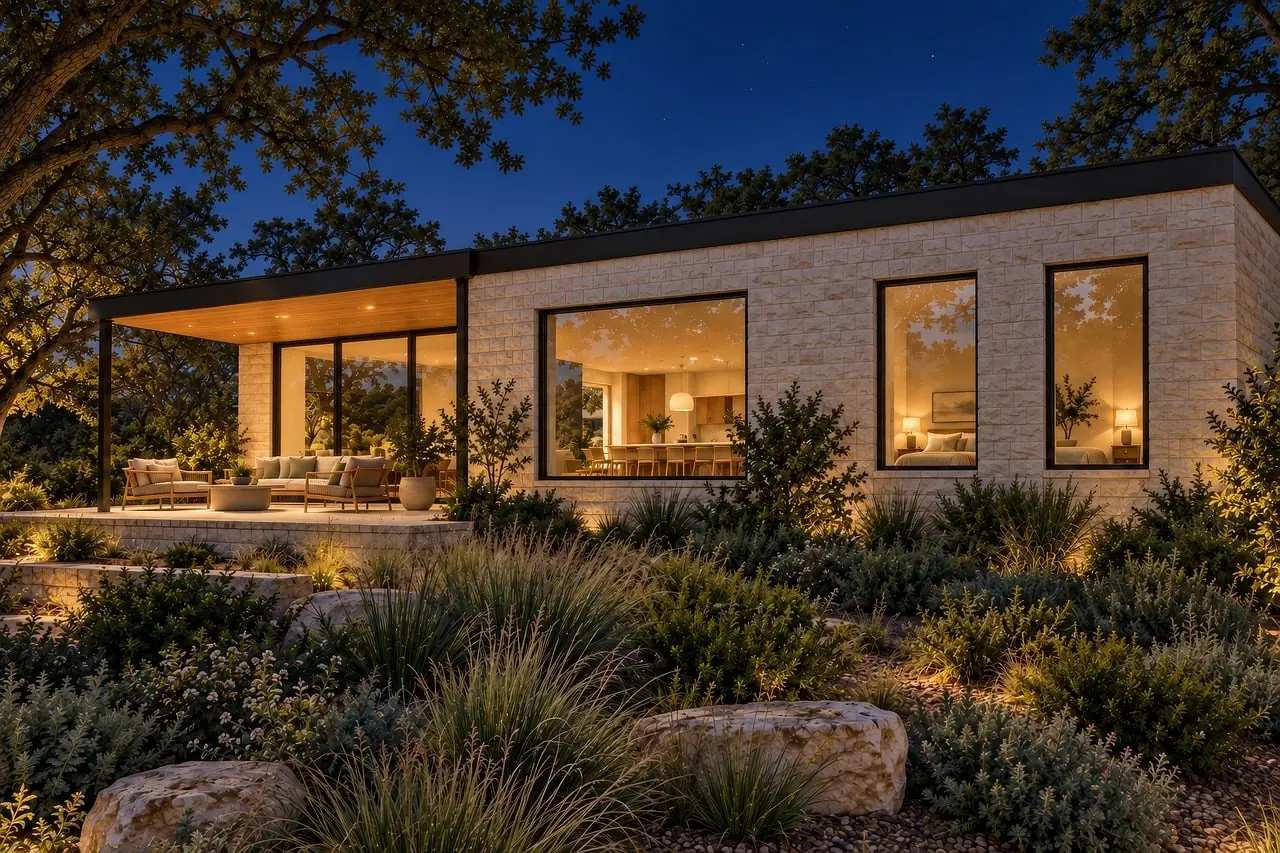
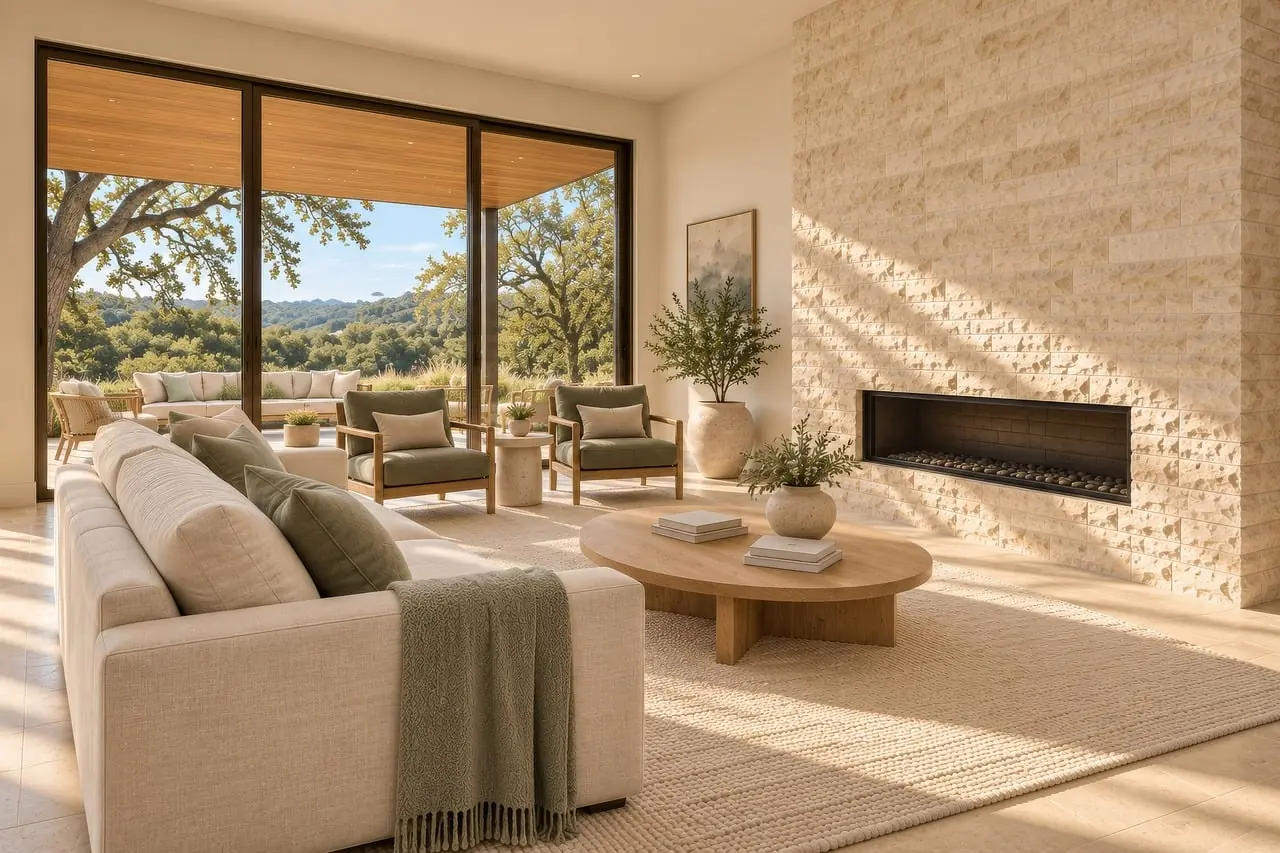
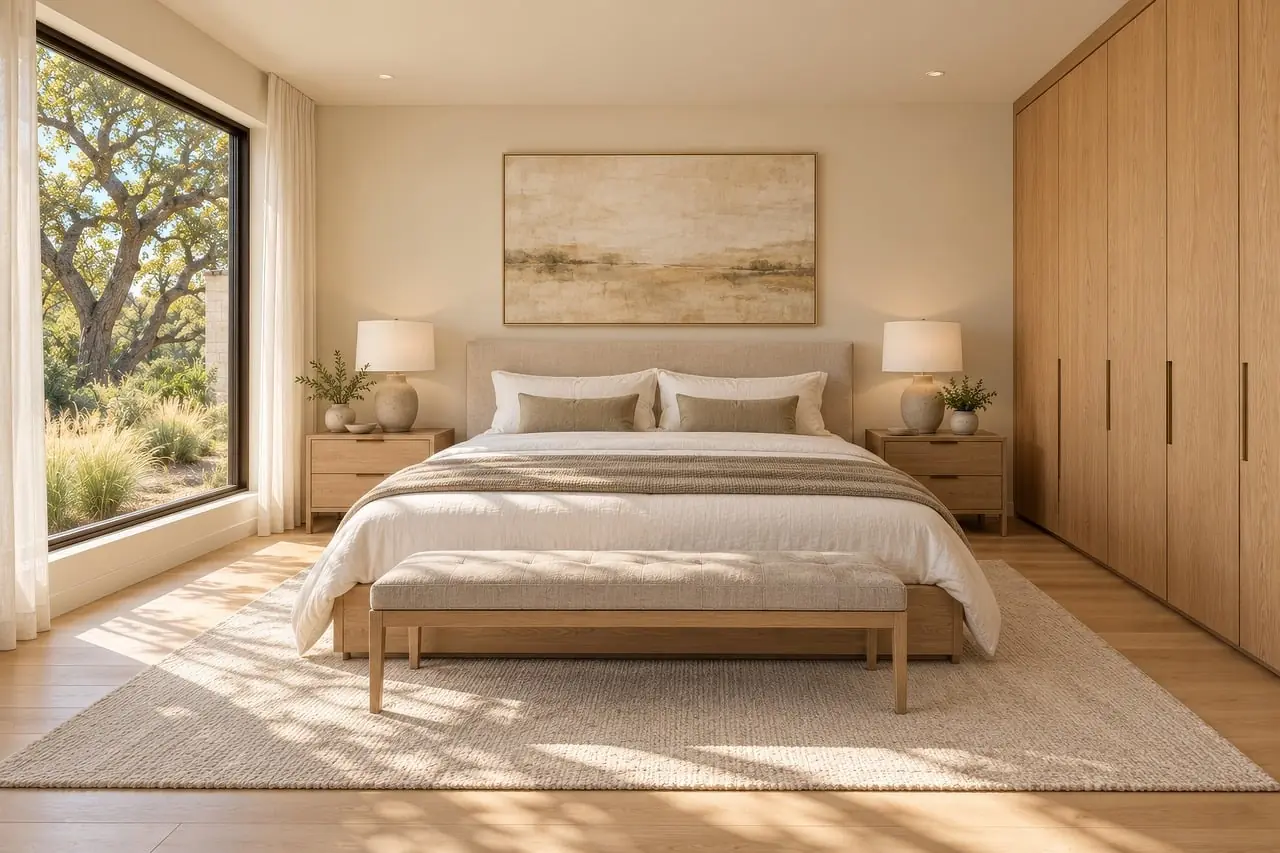
Your home, recreated and furnished your way, from any angle.
Four quiet steps.
No CAD, no measuring tape, no design degree. One clear next step at a time.
- i.
Bring the plan
The floor plan from your listing on Zillow, Redfin or any site, and photos if you have them.
- ii.
We recreate your home
Walls, windows, doors, stairs and every floor, rebuilt at real size. Matching finishes from photos is coming soon.
- iii.
Design it your way
Tell the AI designer what you want. Real furniture, real sizes, room to walk.
- iv.
See every angle
The views the listing never showed, rendered photoreal. A walk through every room is coming soon.
Model first. Then render.
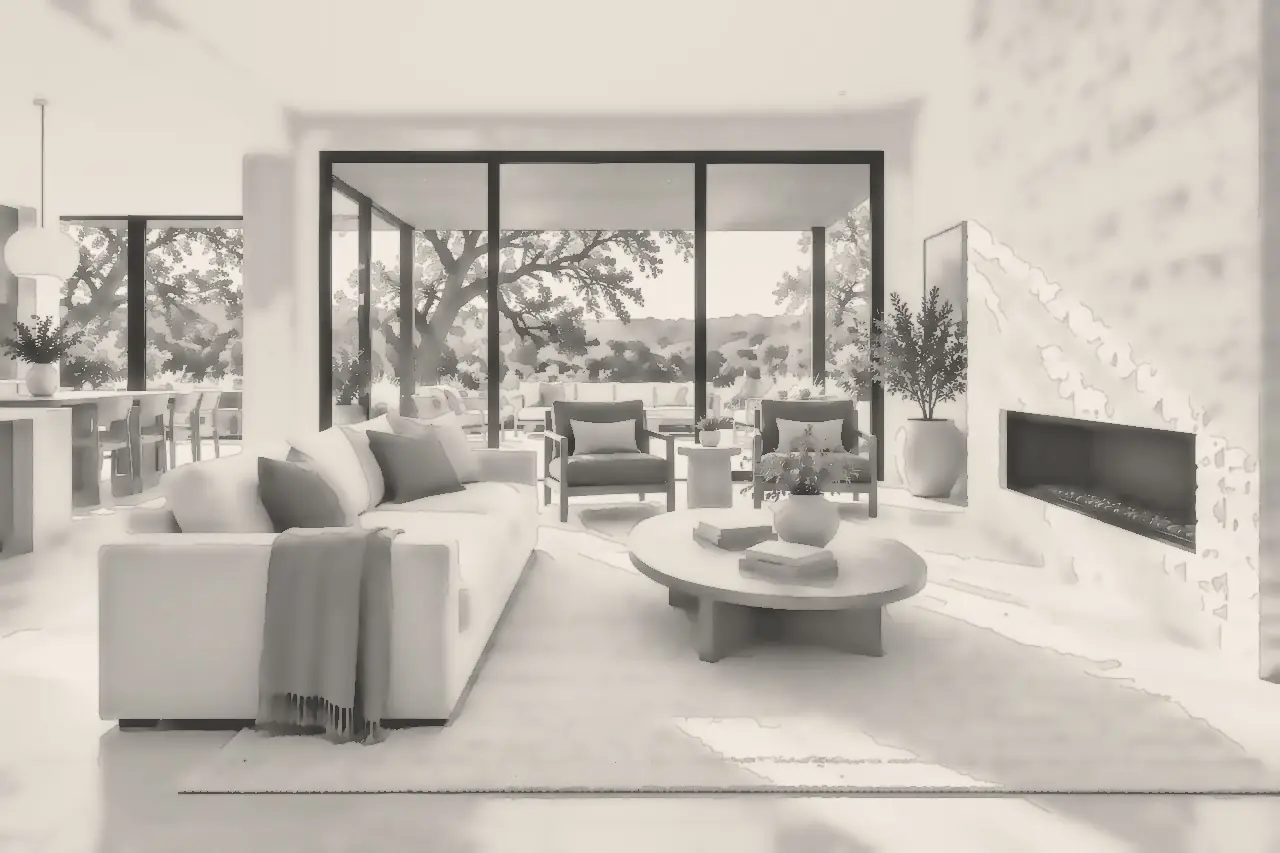
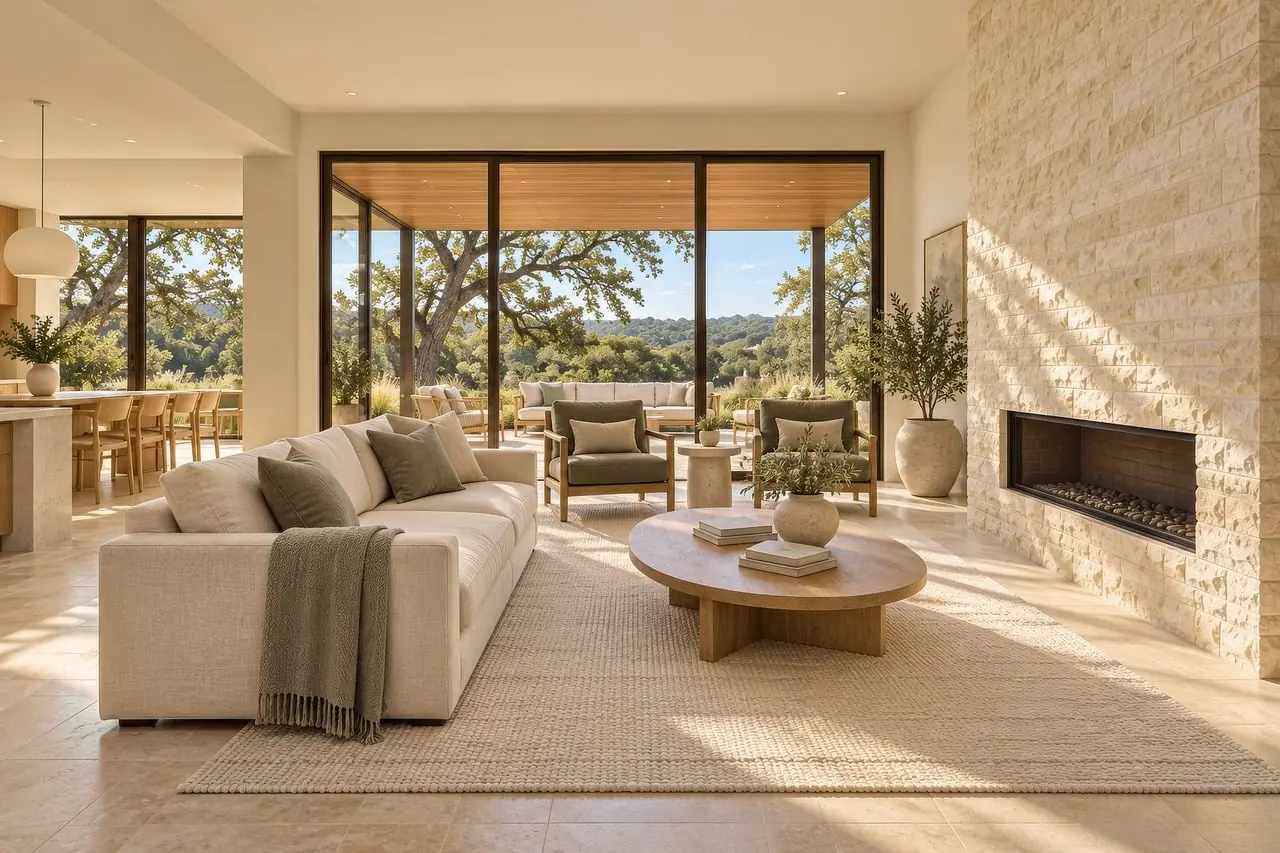
Every room of your recreated home is a measured 3D model first. Drag to see the same room rendered.
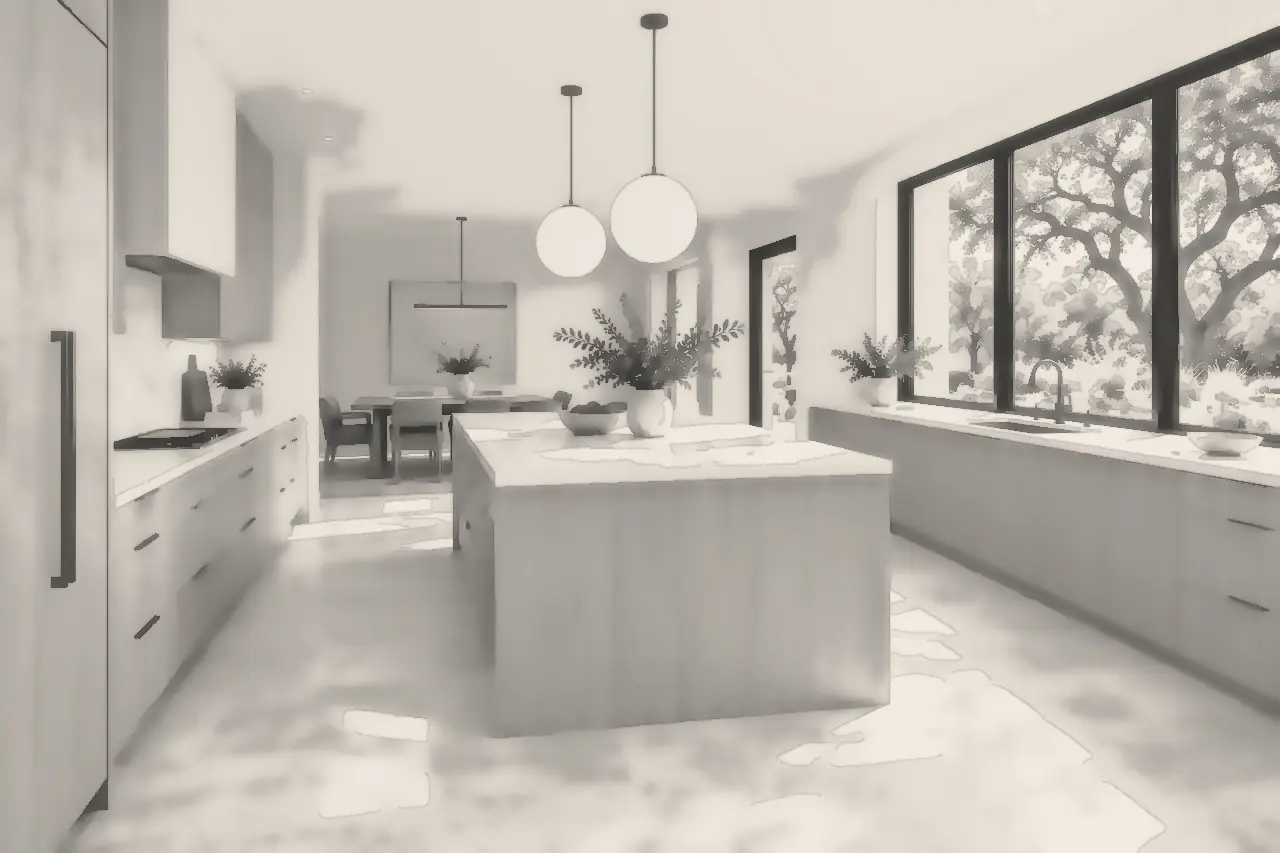
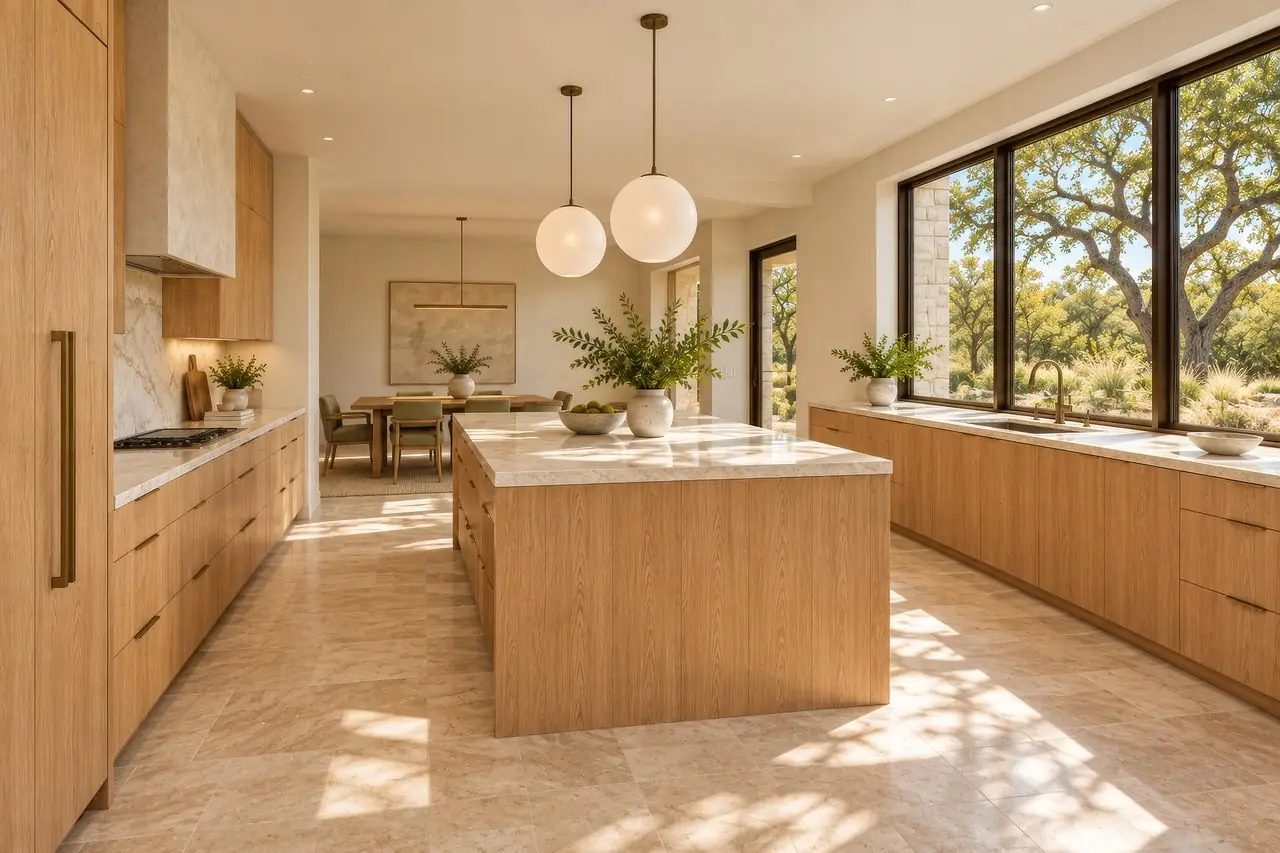
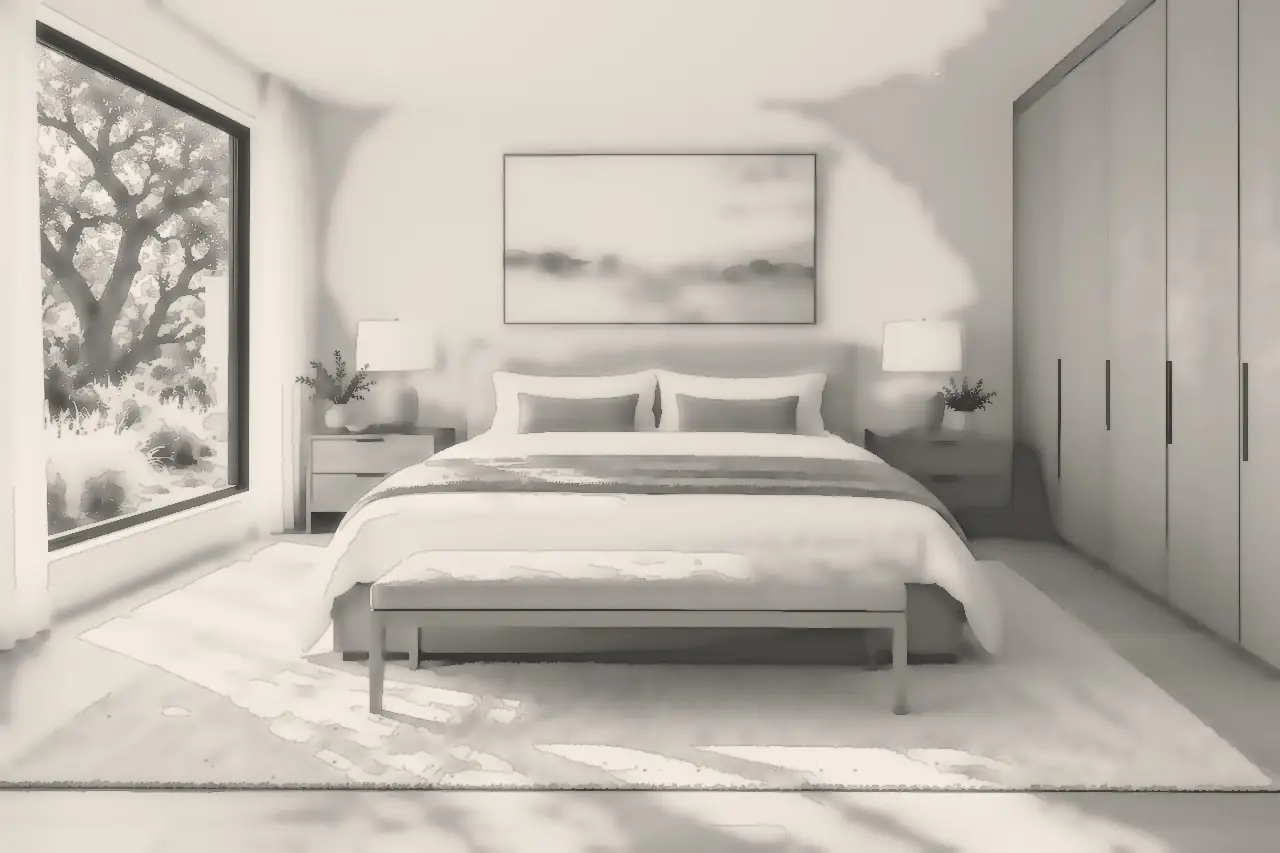
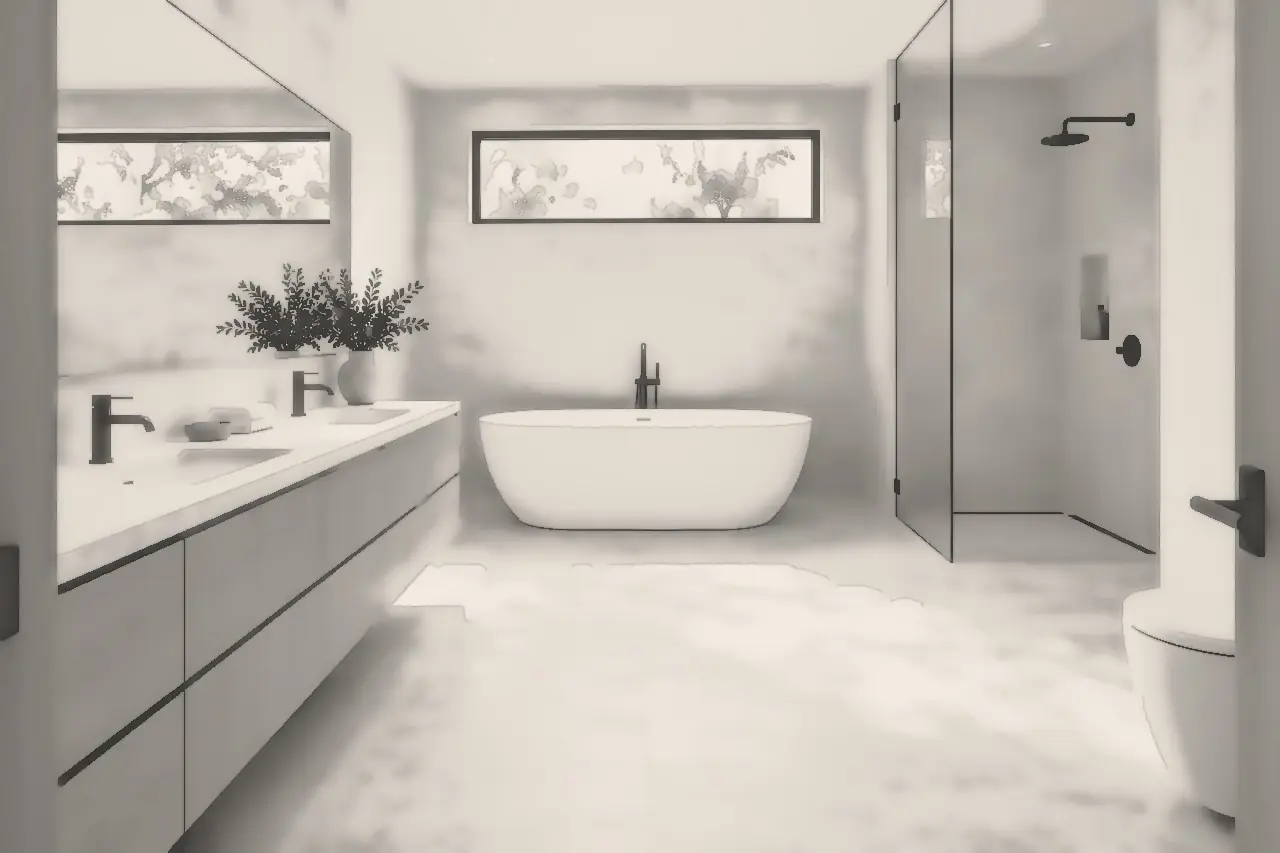
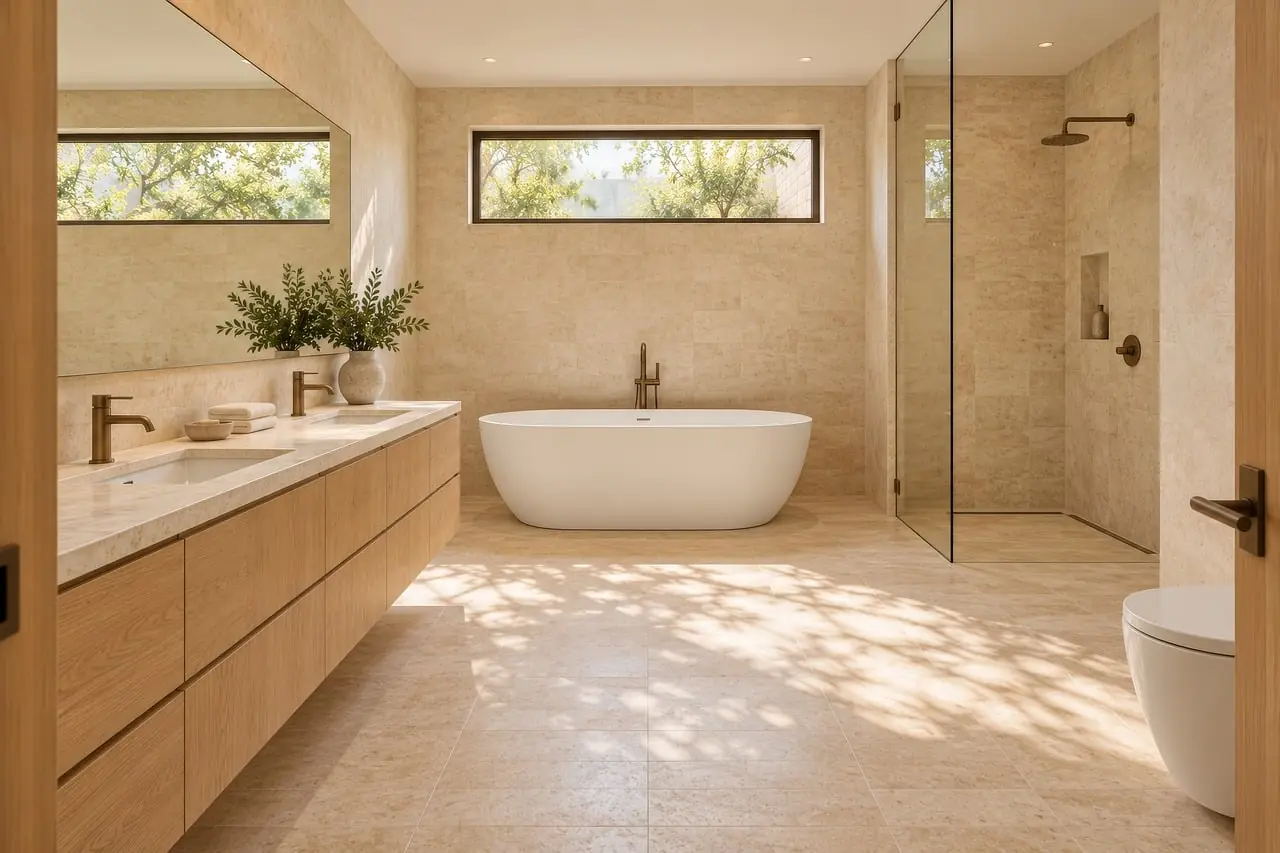
Drag to compare the 3D model and the rendered room.
Angles your listing never had.
Listing photos show a few fixed angles. Walk the route through your recreated home and look around from where you stand.
Drag the dot along the route, or use the arrow keys.
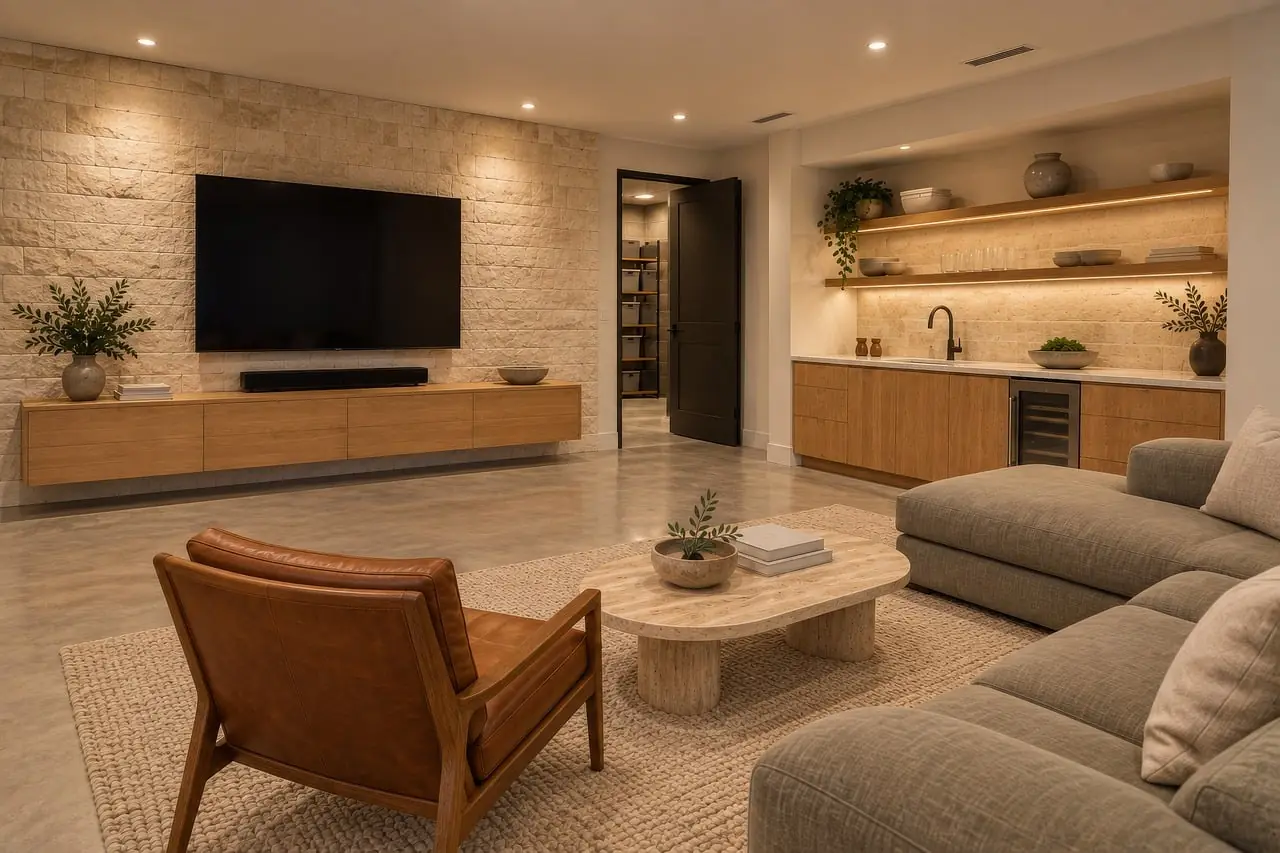
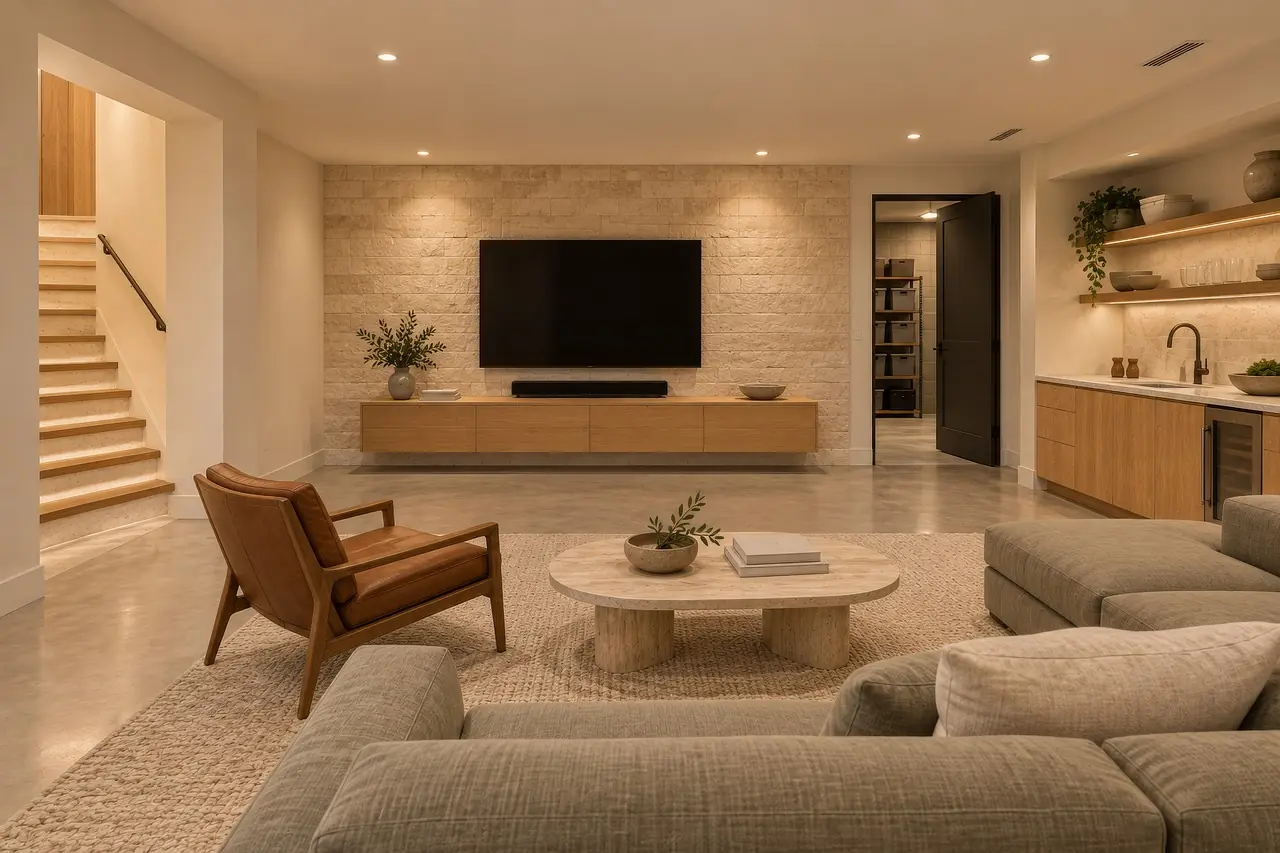
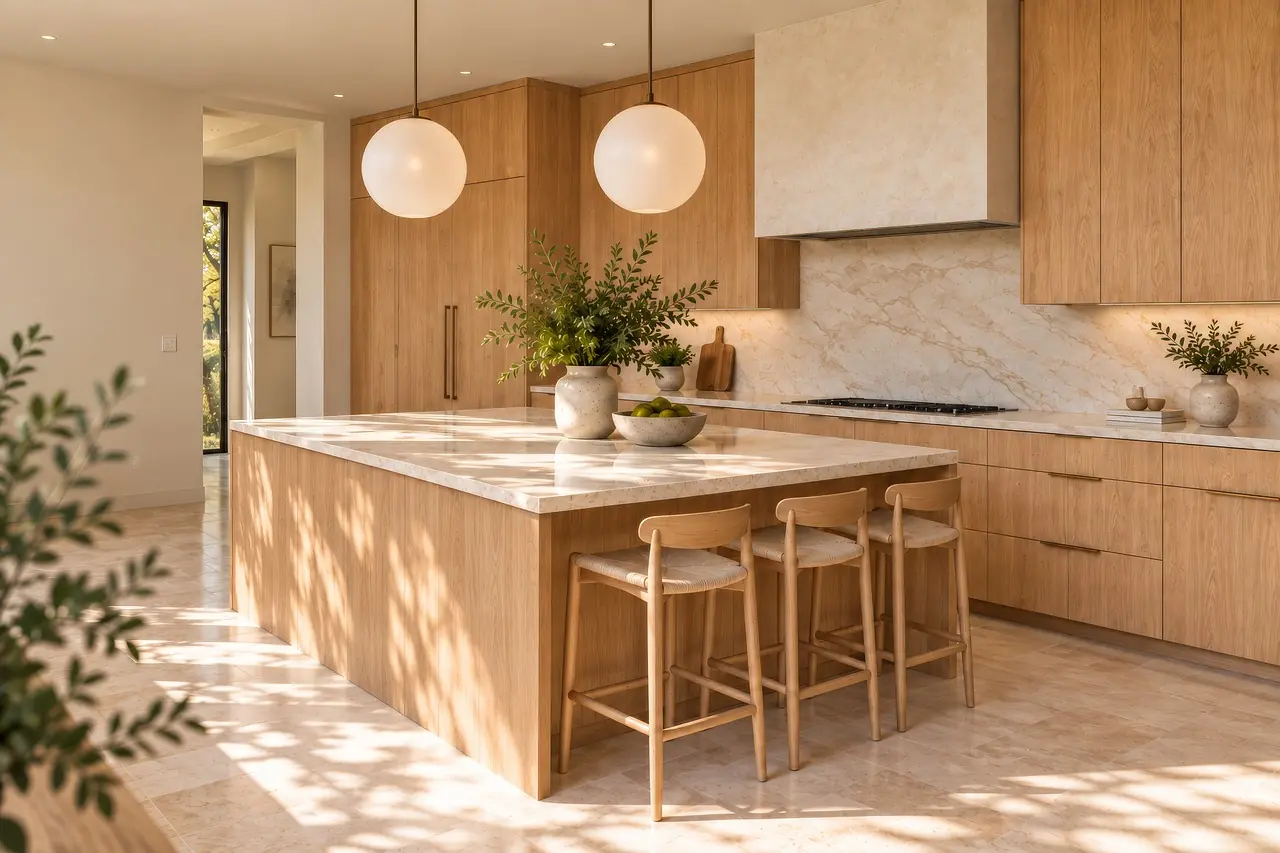
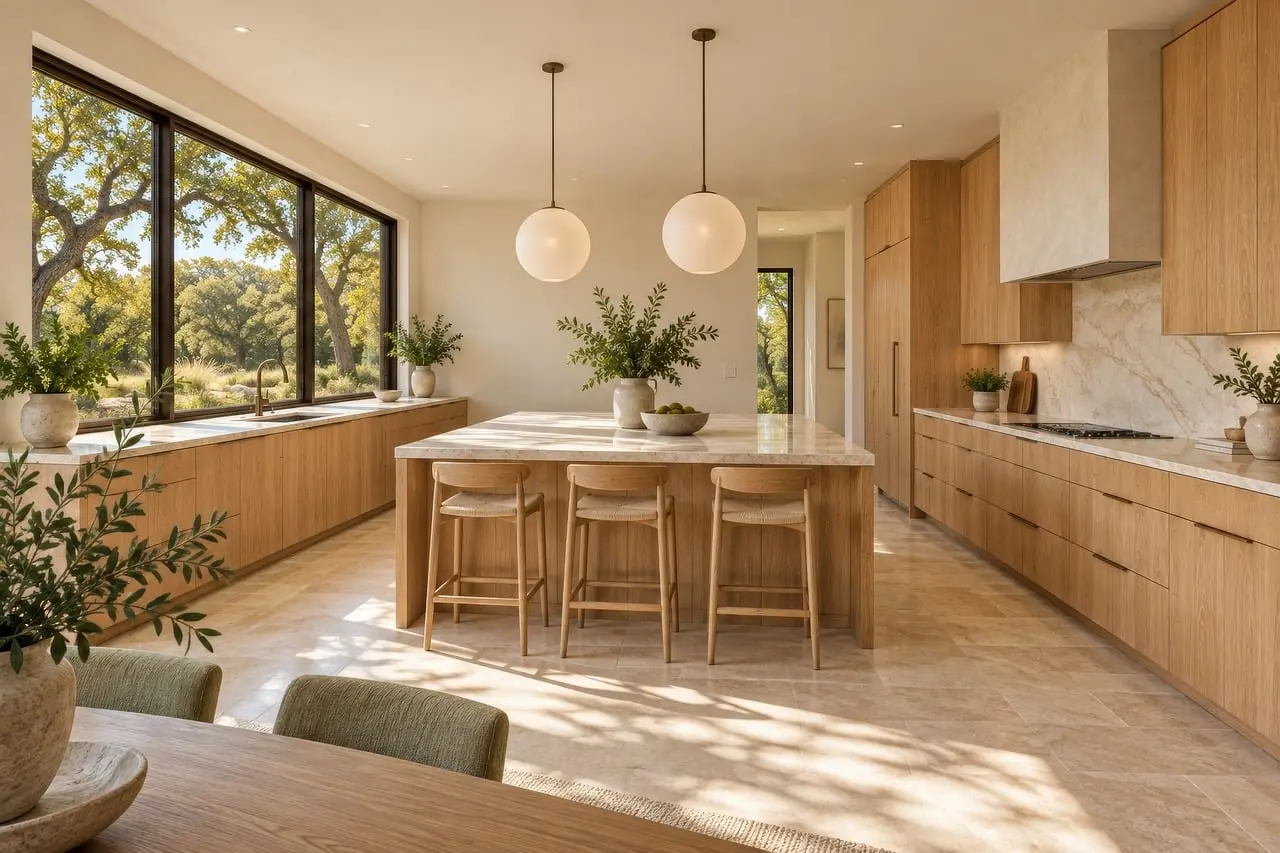
Living, toward the fireplace
- 01 · Living, from the hall
- 02 · Living, toward the windows
- 03 · Living, toward the fireplace
- 04 · Living, from the window
- 05 · Kitchen, from the door
- 06 · Kitchen, along the counter
- 07 · Kitchen, from the window
Point at a room. See it.
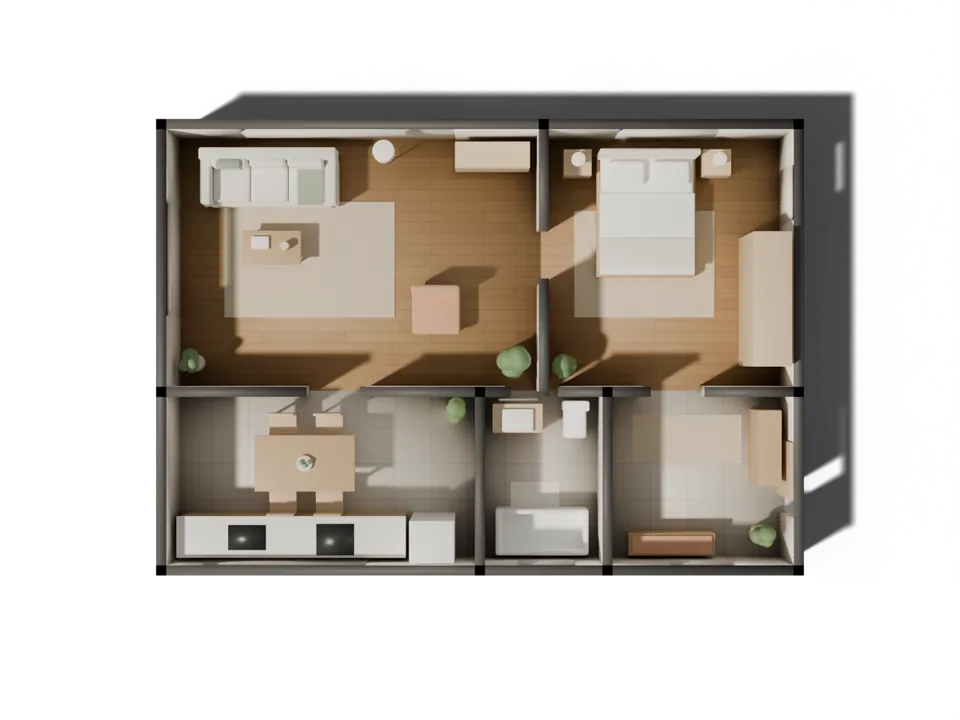
The plan and your recreated home are the same home. Hover or tap a room on the plan to see it, with its real size.
Hover or tap a room on the plan.
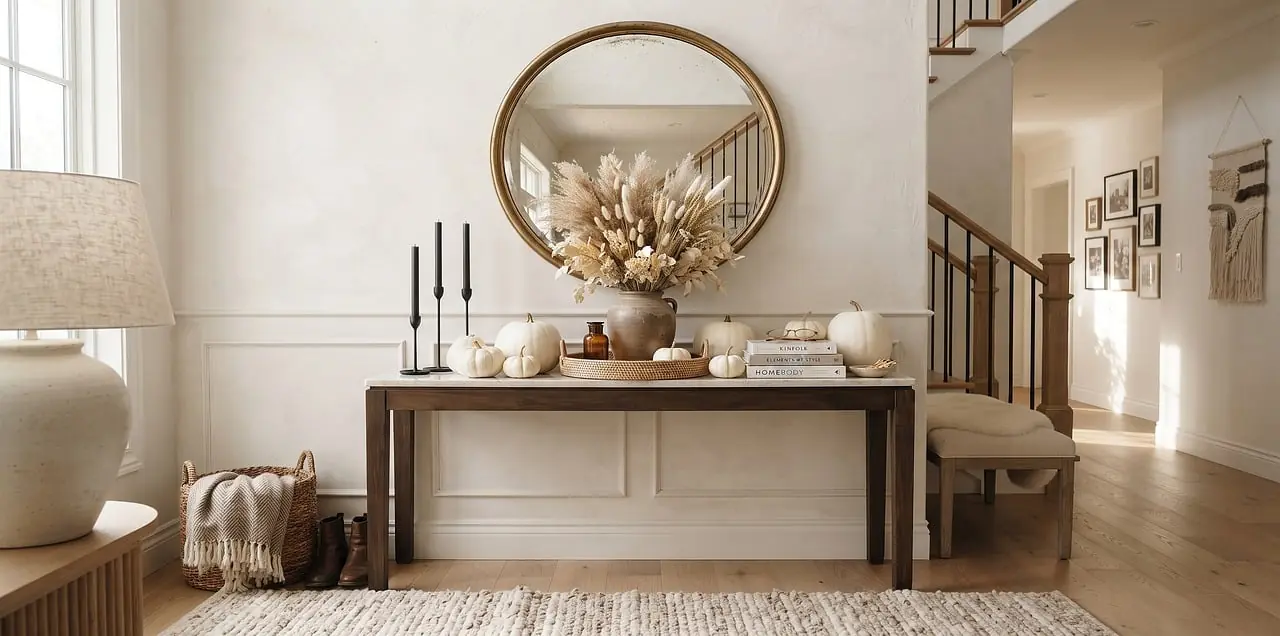
- Living6.0 × 4.2 m · 25.2 m²
- Bedroom4.0 × 4.2 m · 16.8 m²
- Kitchen5.0 × 2.8 m · 14.0 m²
- Bath2.0 × 2.8 m · 5.6 m²
- Entry3.0 × 2.8 m · 8.4 m²
Same room. Your style.
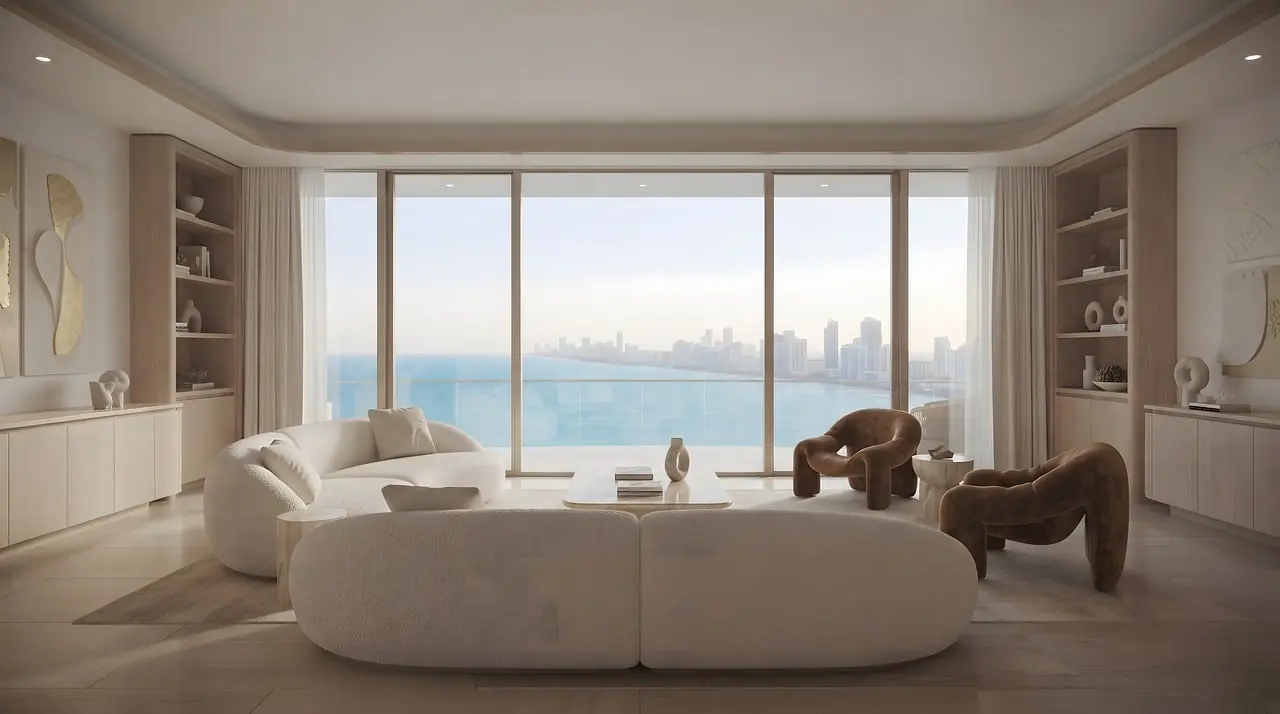
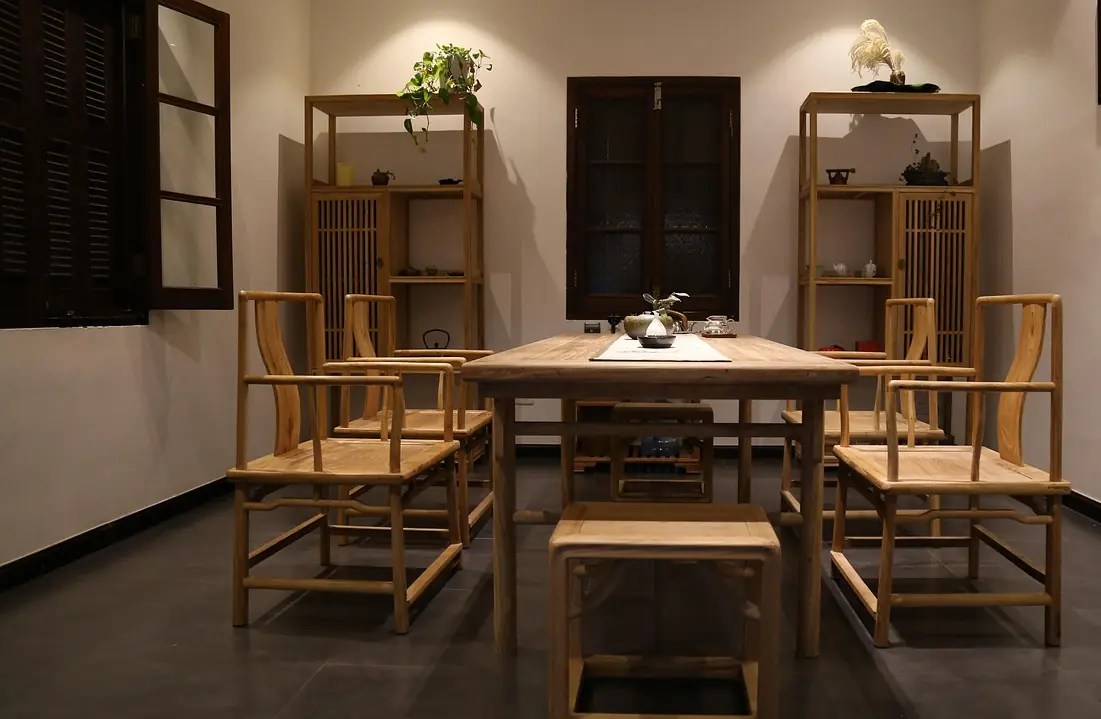
The AI designer furnishes each room in the style you choose, with real furniture at real sizes. 9 style guides so far.
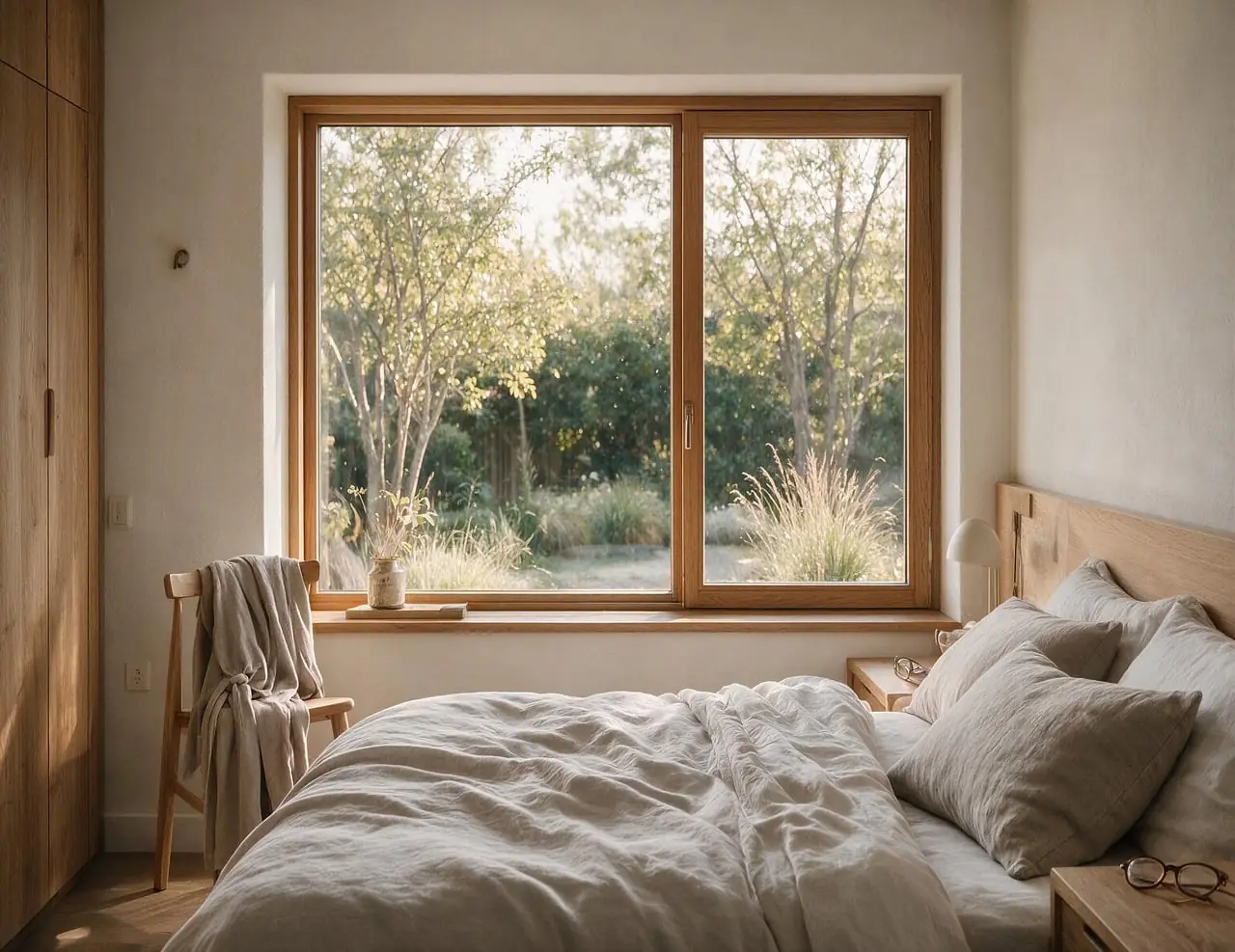

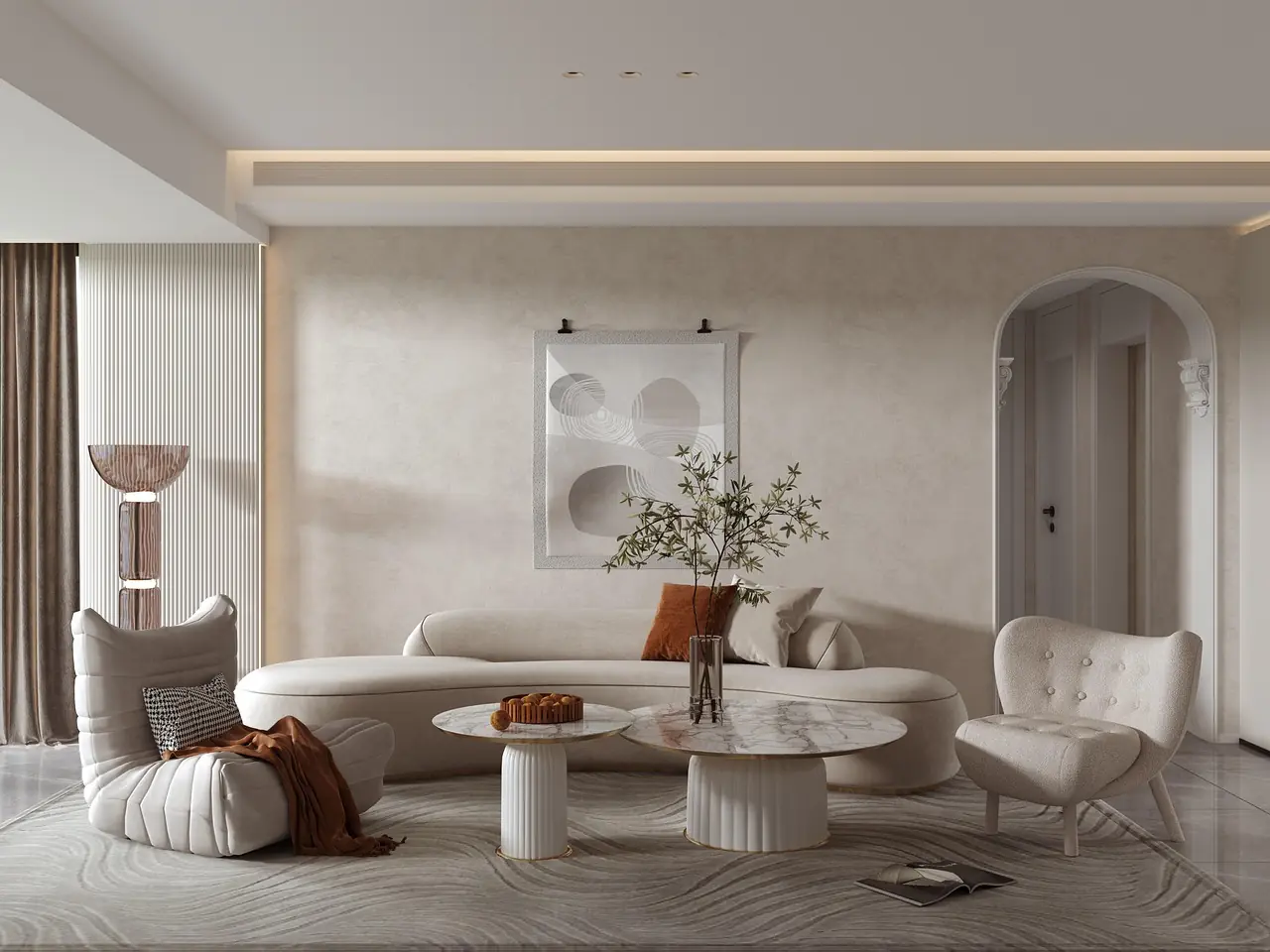
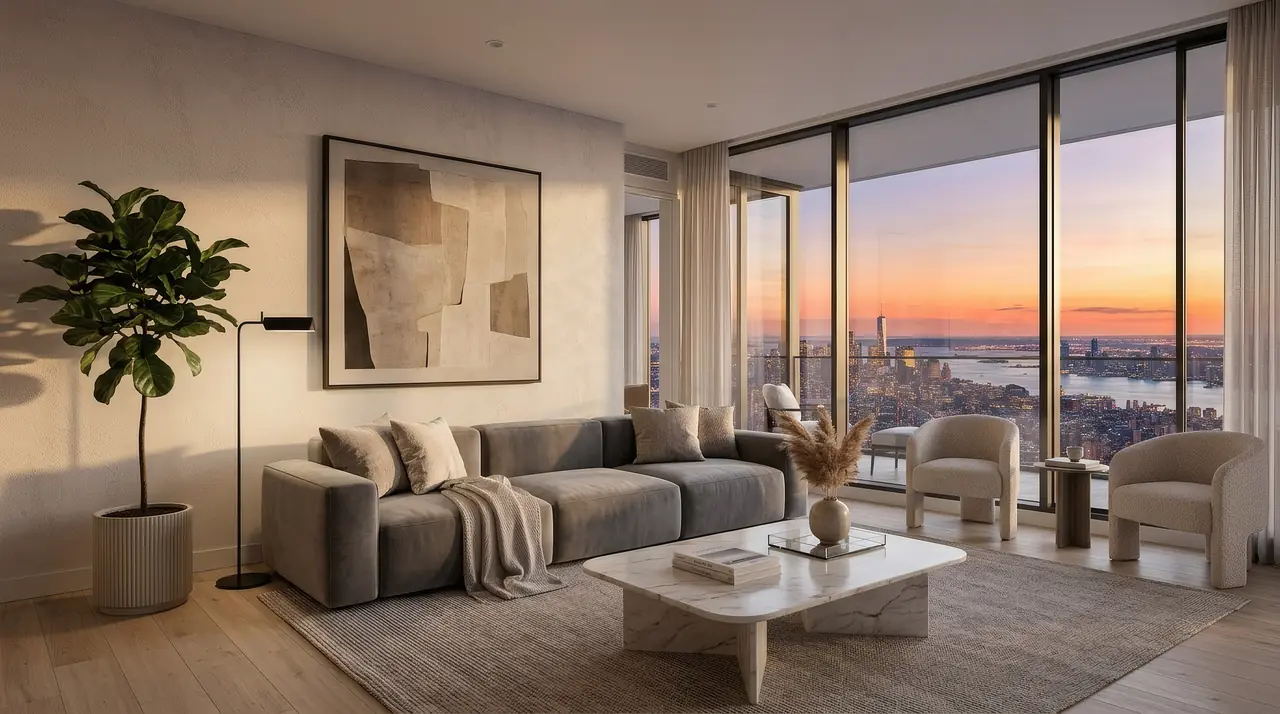
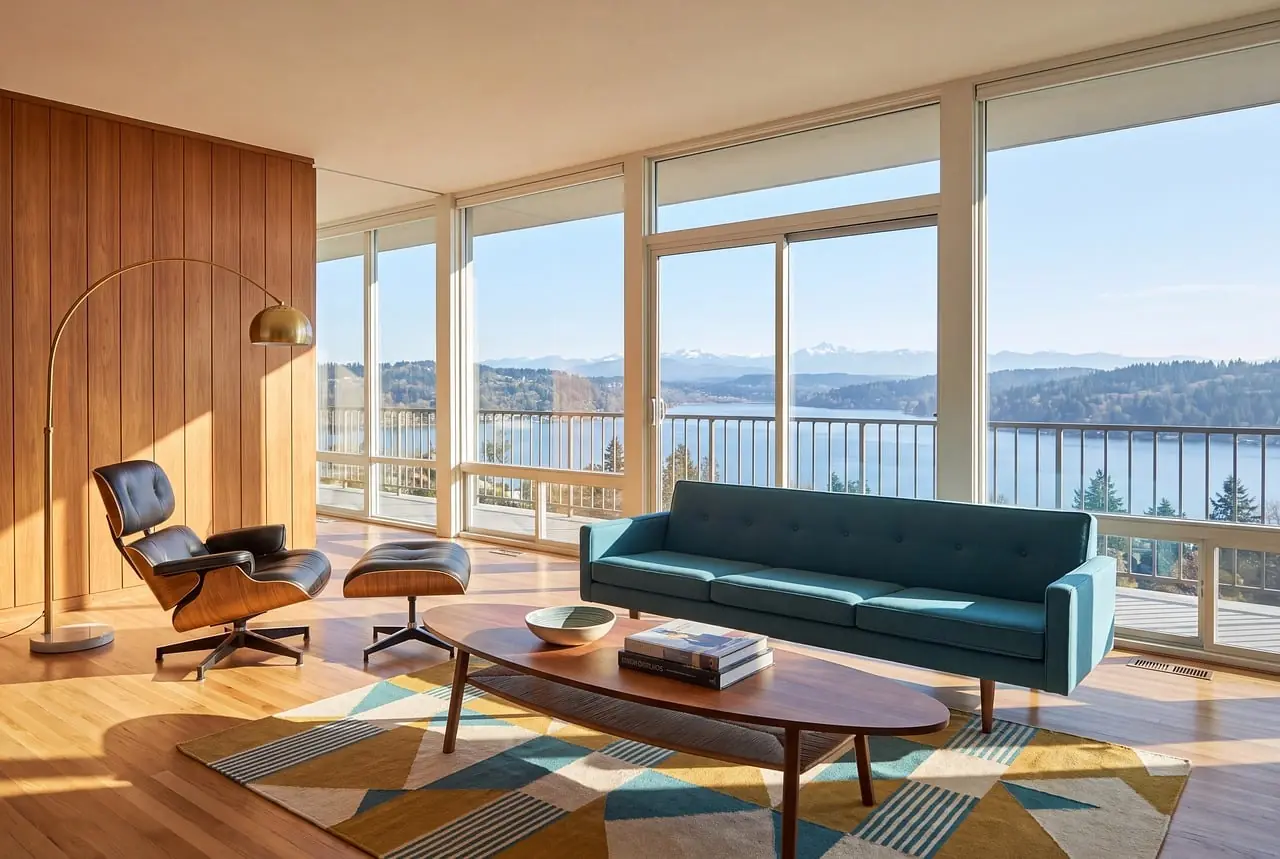

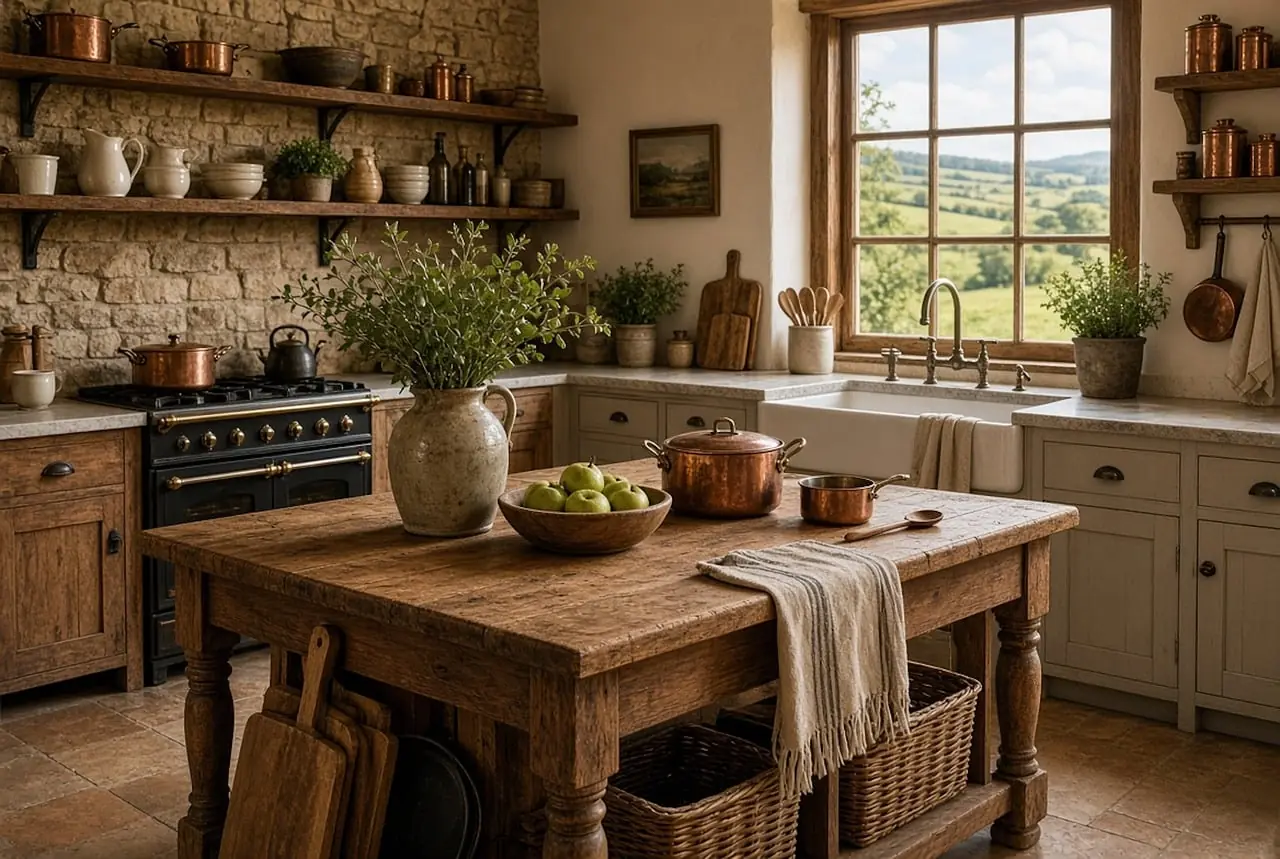
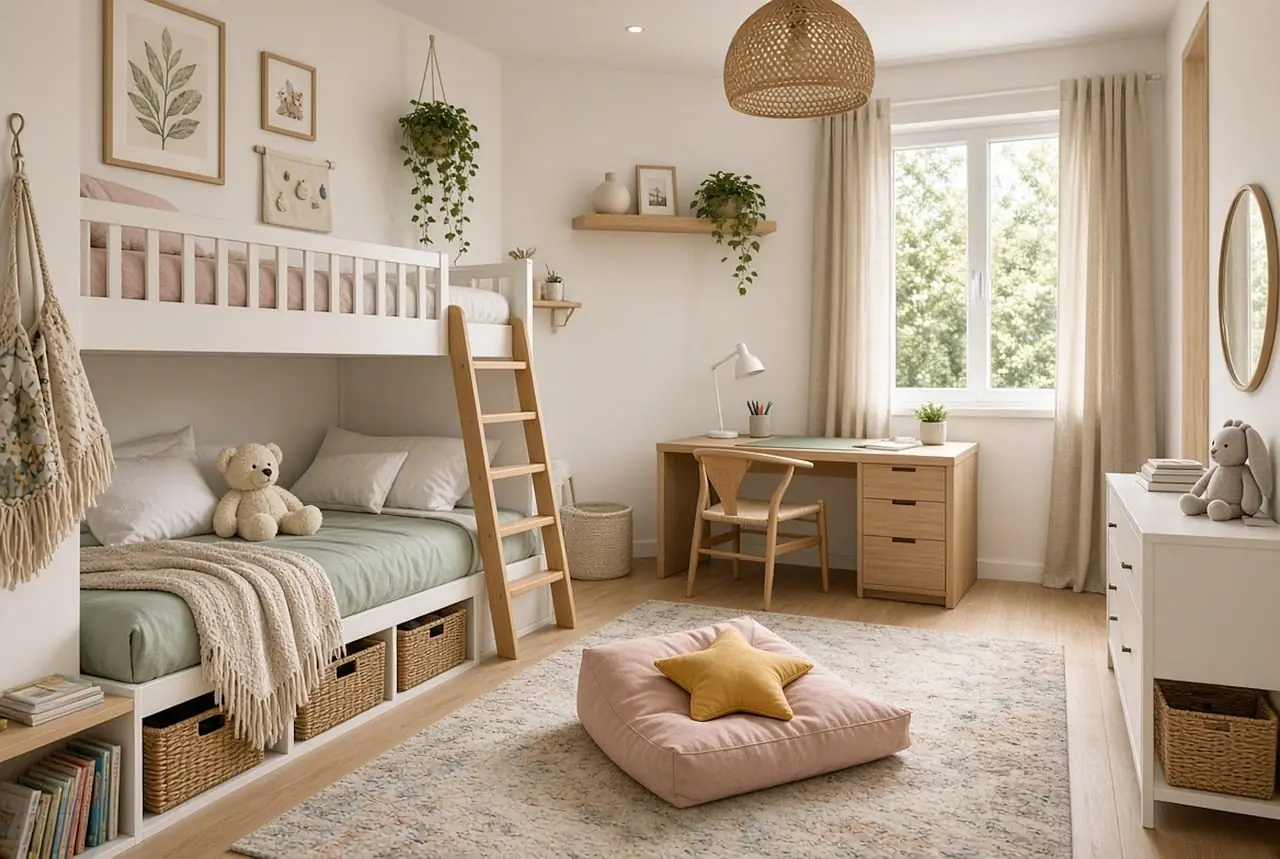
Not just the living room.
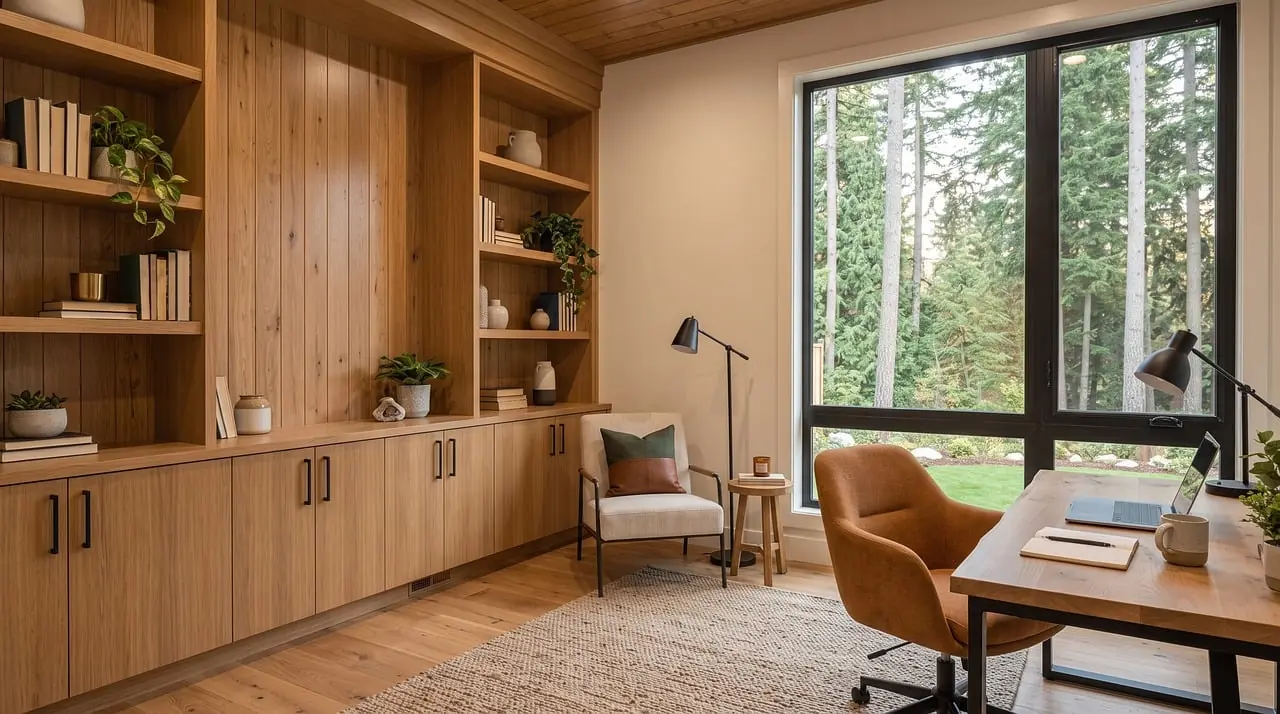
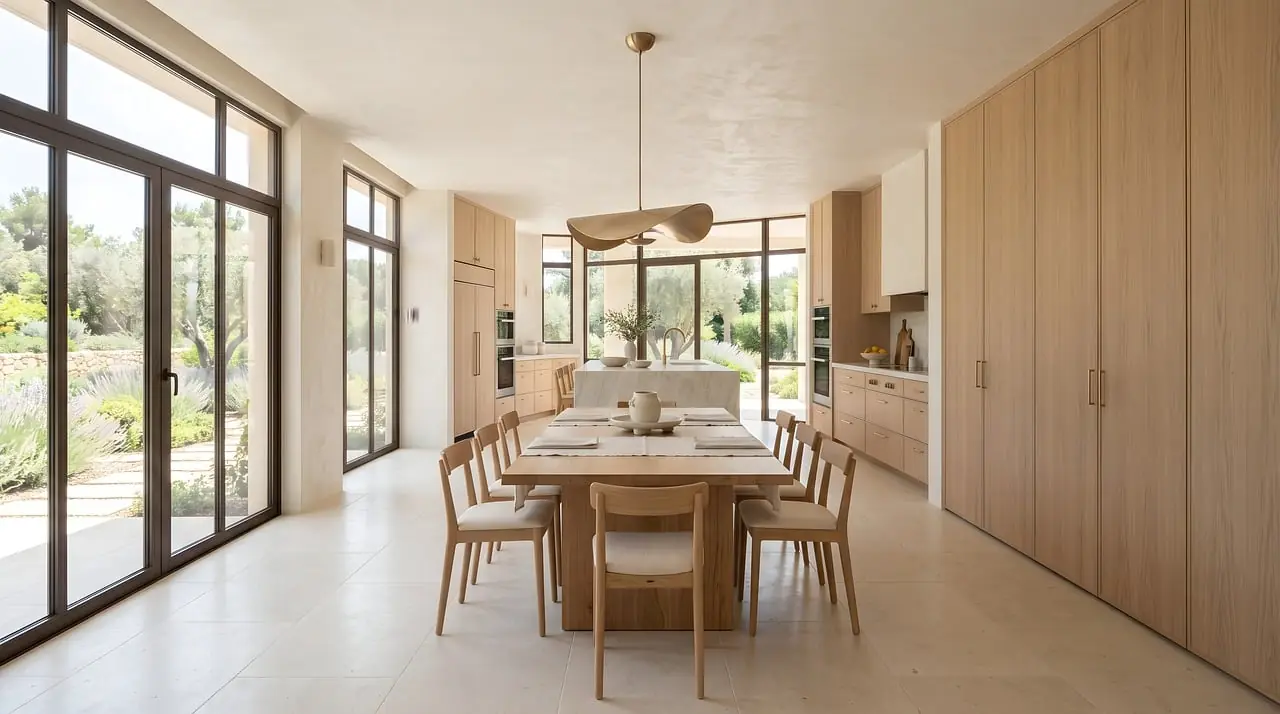
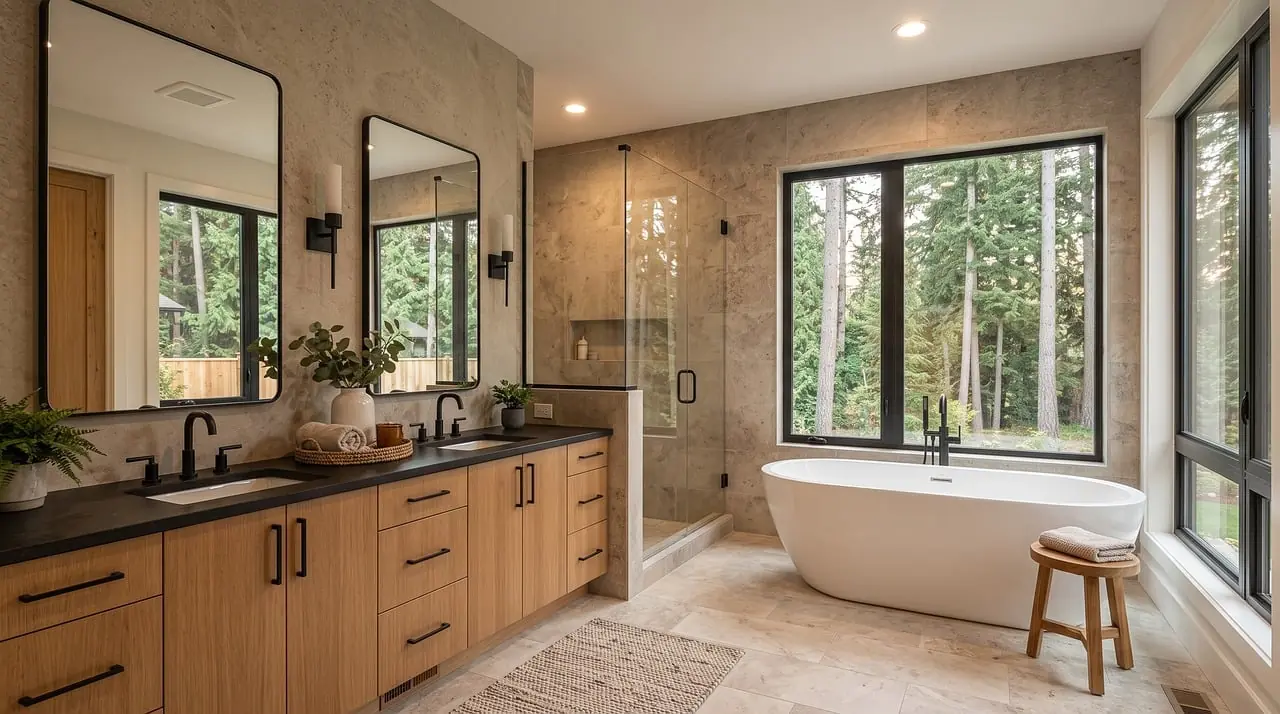
Kitchens, kids’ rooms, offices, bathrooms, the laundry: every room on the plan can be furnished.

Will the sofa fit? Try it.
A sofa that is 2.20 m on the plan is 2.20 m in every picture. Drag it around the living room and see if there is still room to walk.
A 2.20 m sofa, drawn at its real size.
Drag the sofa; tap it to turn it 90°. A walkway needs 0.90 m.
Walk through it before you move in.
A slow shot at eye height through every room of your recreated home, furnished your way, with each room’s name and real size on screen.
Material boards.
01 — Wood · Fabric · Rattan
Japandi & natural wood
Solid oak frames, rounded edges
02 — Stone · Wood · Fabric
Wabi-sabi
Low and grounded, organic irregular forms
03 — Wood · Velvet · Fabric
French
Cabriole legs, carved frames
04 — Boucle · Fabric · Wood
Cream style
Rounded corners, curved arms
05 — Fabric · Wood · Metal
Modern minimalist
Rectilinear frames, clean edges
06 — Wood · Leather · Fabric
Mid-century modern
Tapered splayed legs, organic curves
07 — Leather · Stone · Wood
Italian minimalist
Low long sofas, thin profiles
08 — Wood · Stone · Fabric
New Chinese
Ming-style chairs, straight lines with round-square motifs
09 — Stone · Velvet · Leather
Light luxury
Slim gold or brass legs, channel tufting
Good to know.
Where do I get the floor plan?
Most listings include one. Use the floor plan from your listing on Zillow, Redfin or any other site, or a plan from the agent, landlord or builder. Upload it as an image: PNG, JPEG or WebP.
Do I need listing photos?
No, the floor plan is enough. Matching floors and finishes from listing photos is coming soon; today you choose finishes yourself or upload a photo of a material.
Is my home really recreated to scale?
Yes. Walls, openings and furniture keep their real sizes, so what fits in your recreated home fits in the real one. You check the result against the plan and correct anything before you furnish.
How is this different from AI virtual staging?
AI staging tools paint furniture onto one listing photo, from one angle. We rebuild the whole home from its floor plan, so every room can be furnished at real size and seen from any angle.
When can I try it?
It is in private early access. A sign-up will open on this site soon.